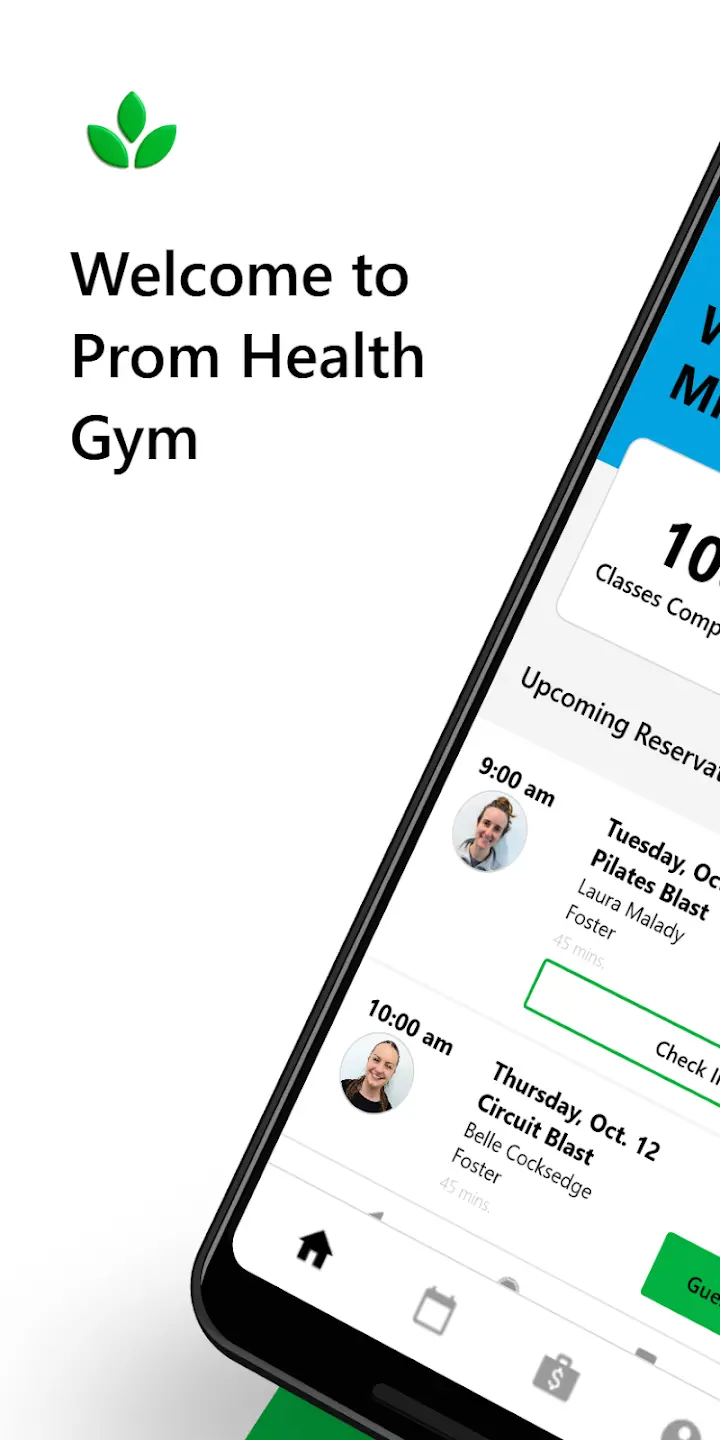
PROM HEALTH GYM APP
Stay Consistent
Track attendance.
Celebrate Milestones
Monitor progress.
Book Anywhere
Manage your classes.
Stay Connected
Receive updates and challenges.
Found in App Store and Play Store - for both iPhone and android users! Search Prom Health Gym.
Note: Class reservations and your account can also accessed via our website as well!
HOW TO GET STARTED:
Step 1: Download the Prom Health Gym App
Apple: https://apps.apple.com/us/app/prom-health-gym/id6751250031
Android: https://play.google.com/store/apps/details...
Step 2: Create an Account
- Set password and log in.
- Add credits/membership to account.
- Start booking classes.
Step 3: Review Your Account Info
-
Check your Upcoming Reservations or make a new one!
-
Turn on Notifications - email and/or SMS - stay up to date with any class changes or details.
-
See the 🏆Tab on the bottom menu, set yourself a weekly goal, look for upcoming challenges.
Need Help?
If anything looks off, don’t hesitate to reach out. We’re happy to help! Click here.
Did you use our old booking software Gymcatch (prior to August 2025). If yes, delete the old app we are no longer using this. Download the Prom Health Gym app from your app store.
-
Open the new app.
-
When prompted to 'Log In to Your Account'
-
Select “Forgot Your Password? Reset it now.”
-
Your email will be recognised & have transferred over.
-
Once the password is reset, access the account and follow the steps above.